
Williams County Arrests in the Previous Day Report
Williams County bookings land at the Corrections Center of Northwest Ohio, known as CCNO. The center posts one official file each day. Its button and PDF read Previous Day Bookings. That label deserves attention. The report covers a fixed prior-day window, not a clock that rolls forward hour by hour, so someone arrested moments ago can stay off the list until intake wraps and the file is produced.
CCNO sits in Stryker and serves Defiance, Fulton, Henry, Lucas, and Williams counties. The PDF is regional, in other words. Not every entry belongs to Williams County. Lean on the arresting-agency heading, court, booking date, and case details to pull the right record, since sheriff and local police bookings sit beside entries from other member counties.
Each row records a booking event, nothing more. The file cannot tell you whether someone is still in custody. Release, transfer, or a later court action can happen after the PDF is generated.
How to Check Williams County Arrests Today
Start with the official report, not a copied list. The label and footer tell you which day the file covers. Then narrow the regional entries by agency and court instead of stopping at the county name.
- Open CCNO's official Previous Day Bookings PDF and note the date-window wording.
- Check the generated timestamp in the report footer before treating an entry as current.
- Move through the arresting-agency groups and find the Williams County Sheriff or relevant municipal department.
- Match the name with the booking number, booking date, case number, charge, court, and status shown.
- If current custody matters, open the CCNO Active Offender Population report and compare identifiers.
- If the files do not settle the question, contact CCNO or request the specific underlying record.
The active report is a different animal. It lists people currently held at CCNO, with an in date and an estimated out date. It is not an arrest archive. A name can sit in Previous Day Bookings while the person is already out of custody. The reverse happens too. Someone active may predate the window. For wider booking, roster, and records paths, the Williams County recent arrests hub covers them, while this page stays focused on a fresh booking and its quick verification.
What the Williams County 24-Hour View Shows
Think of the PDF as a text booking report. Every field means exactly what its label says. Some dated snapshots have carried a booking time. Repeat a time only when the file itself supplies one.
| Field | How to read it |
|---|---|
| Agency heading | Identifies the arresting agency group and separates Williams entries from the regional report. |
| Name and booking number | Identifies the listed booking; retain the source spelling and number. |
| Booking date or time | Shows when CCNO recorded the booking. Show a time only if present. |
| Charge and severity | States the charge as booked and source severity. |
| Case and court | Connects the entry to the named case and court, which may not be the eventual court. |
| Status | Reports the source status at generation time and may later change. |
| Report timestamp | Shows when the PDF was produced and supports a freshness check. |
Booking photos are the gap most people notice. The posted PDFs show no photographs. Intake can include an identifying photograph and fingerprints, CCNO explains, but that step creates no public photo URL. The daily text file is not a mugshot gallery, and it should never be dressed up as one.
The official Booking Report landing page describes the source and warns that data changes quickly. That caution belongs with the record itself.
CCNO's Booking Report page keeps the booking reports separate from its other inmate-search functions. View the CCNO Booking Report source.
The page links to the generated Previous Day Bookings file.
Why a New Williams County Booking Can Lag
An arrest is a process, not an instant entry. CCNO lays out the intake steps. They can include identity work, a property inventory, medical and suicide screening, a clothing exchange, photographs and fingerprints, and a housing assignment. That stack of steps explains the lag. Family or an agency may report an arrest that has not yet reached a generated PDF.
A delay alone does not erase the arrest. It can reflect processing, transport to the regional center, PDF timing, or a record update. The report promises no minute-by-minute cadence. Trust the footer over any assumed refresh time. The reverse distinction matters too. A name in the one-day file proves only that a booking was recorded inside the report's window. Release or transfer can follow while the booking stays put and the current roster moves on. The official CCNO First Forty-Eight page supplies the intake context behind these delays.
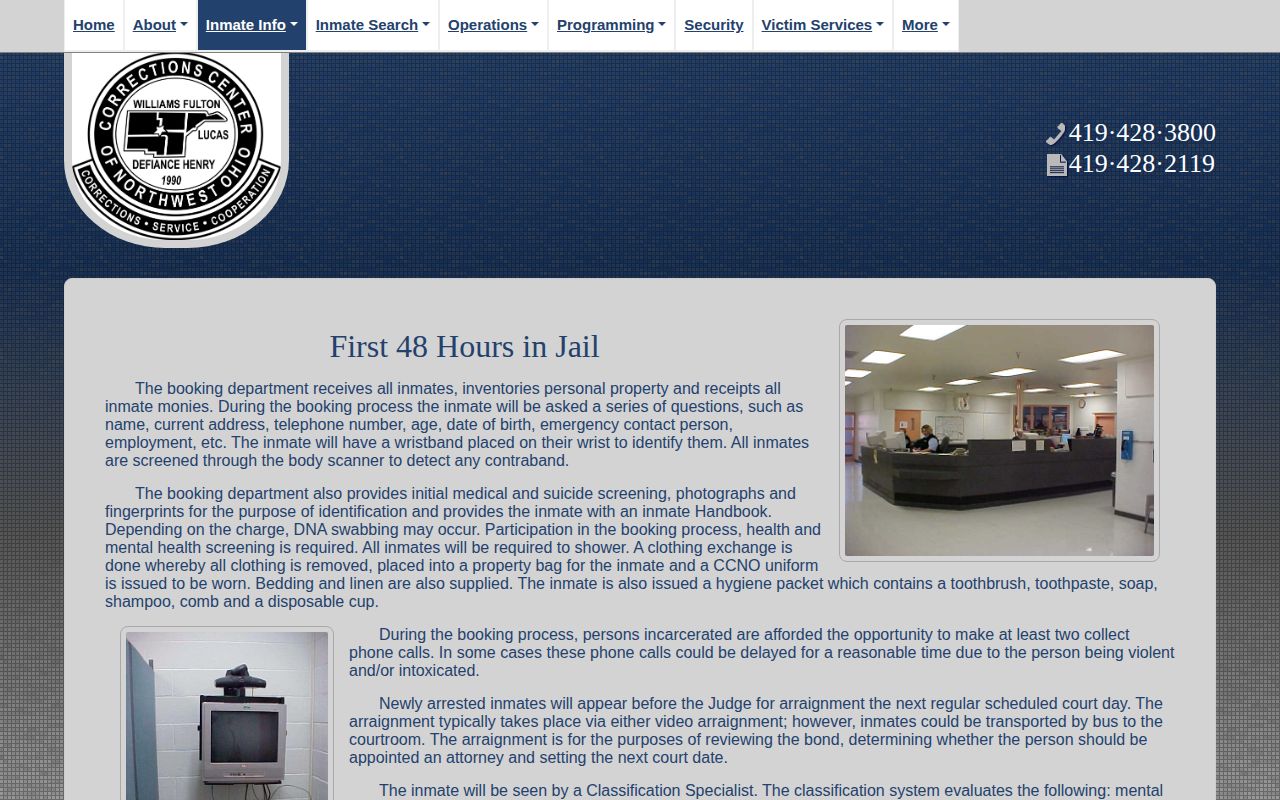
The process page describes what happens after arrest, not who was booked in Williams County.
Note: Keep the report date, generation time, and booking date together when saving or describing a result.
Confirming a Williams County Arrest Beyond the PDF
Sometimes the daily PDF and the active roster still leave a question open. That is the moment to request one specific record. CCNO's Public Records Request policy is the official route for anything the jail holds. A strong request names the person and an approximate booking date. Include the booking number if you have it, and note the arresting agency. Spell out the record type as well. That might be a booking sheet, report entry, release or transfer record, or booking photograph.
Mail a request to Public Records Request, CCNO, 03151 County Road 2425, Stryker, OH 43557. Weekday walk-in hours run 8 a.m. to 4 p.m. The phone line is 419-428-3800, extension 201. Paper copies cost 25 cents per single-sided 8.5-by-11 page. The policy sets no photo-specific fee and states no turnaround time.
Disclosure is not automatic. CCNO can withhold medical details and confidential investigatory files. Witness and safety data, protected work product, Social Security numbers, and other legally protected records can also be withheld. A booking image may exist for identification. It can still be redacted or withheld under a rule that applies.
CCNO's public-records page lays out every request route and the full policy.
Need a clearly identified CCNO record that sits outside the public report? This source handles it. When the arresting agency wrote the incident report, that agency keeps the document. CCNO still holds the booking record. The Williams County Sheriff is at 1425 E High Street, East Annex, Bryan, Ohio 43506. The phone number is 419-636-3151. Ask which office holds the exact record instead of requesting every document about a person.
Williams County Alerts Are Not an Arrest Feed
The sheriff's office offers no mobile booking app. It runs no social roster either. Williams County Communications Agency is a separate operation. That agency handles dispatch, and its logs capture calls and response activity. A dispatch entry does not prove a Williams County arrest, a CCNO booking, or a filed charge.
Municipal channels carry the same boundary. Montpelier pushes notices about major police incidents, missing persons, traffic hazards, weather, fire, and utilities. Bryan points residents to social media but says it is not continuously monitored. Neither channel replaces the CCNO Previous Day Bookings report. Once a specific person turns up, a VINELink custody check can confirm custody status and set up notifications. That tool serves a different purpose from listing everyone arrested in a day.
A Williams County Arrest Is Not a Conviction
A booking entry documents a custody event and nothing more. Its charge field shows what police listed at booking, while a status such as pretrial simply marks where the case stands. A release date tells you only when the person left CCNO.
Hang onto the court name and case number from the CCNO record. Court files show the later docket events. Each court source has its own scope. Follow the docket there rather than the booking PDF. Silence in a booking file says nothing about how a case ends. For a longer window, check the Williams County Arrest Log. It covers the separate Previous 7 Days Bookings report. That seven-day file is not a live roster.