
The Williams County Regional Arrest Log
The main week-long source for Williams County arrests is the Corrections Center of Northwest Ohio Previous 7 Days Bookings PDF. CCNO publishes it, not the Williams County Sheriff. The jail serves Defiance, Fulton, Henry, Lucas, and Williams counties, so the file mixes arrestees from across the region. It is not a Williams-only roster. Bookings are grouped by arresting agency. That matters for anyone scanning the pages. Entries from the Williams County Sheriff or municipal police can sit deep in a long document, well after other counties' sections. Keep scrolling before assuming a name is absent. Treat the download as a dated blotter of recent arrests rather than a live custody list.
Names can linger in the log after release. The reverse happens too: someone in custody at CCNO may be missing because the booking fell before the file's seven-day window. So the PDF works best as a dated blotter. For a current status, confirm through the jail's inmate search or the court's docket.
How to Read the Williams County Blotter
Start with the report's context, then work toward the entry. Searching on a surname alone can tangle two similar names or hide why a record belongs in Williams County. Keep the source spelling and identifiers exactly as printed.
- Open the official Previous 7 Days Bookings PDF and record its generation timestamp.
- Confirm that the named reporting window covers the approximate booking date.
- Scan the arresting-agency headings for the Williams County Sheriff or the municipal police agency involved.
- Compare name, booking number, booking date, case number, charge, court, and status.
- Read each charge as listed at booking, not as a conviction or final case outcome.
- Check current custody or the relevant court when the newer status matters.
Williams County felonies go to Common Pleas General Division. Bryan Municipal Court handles misdemeanors and traffic cases, and it also holds felony arraignments and preliminary hearings. A CCNO booking may name Bryan Municipal Court first. The felony then moves to Common Pleas. Keep the courts and dates distinct rather than stacking them into one assumed case history. For an arrest closer to yesterday, the 24 Hour Arrests page explains the tighter Previous Day Bookings file. Match the file to the window.
What a Williams County Arrest-Log Entry Shows
Each entry in the multi-day PDF answers a narrow set of questions. Name, age, and other demographic fields help tell one booking record apart from another. Case and court fields then point readers toward official verification. Home addresses appear in the report. They deserve to stay off public reposts.
| Field | Meaning and limit |
|---|---|
| Agency heading | Groups the booking under the arresting agency; it is not the jail name. |
| Name and booking number | Identify the source entry and should be kept in the original form. |
| Booking date | Shows the booking date and sometimes time when expressly supplied. |
| Case number | Connects the entry to a case, subject to verification in the named court. |
| Charge and severity | Give the charge and source classification at booking, not a judgment. |
| Court | Names the court tied to the entry and may not be the eventual court. |
| Status | Reports a source status that can change after the PDF is generated. |
| Footer timestamp | Dates the generated report and helps a reader assess freshness. |
The booking report itself carries no booking photos. CCNO says intake may include a photo for identification. That step stays internal, and it never reaches this PDF. So treat the arrest log as text, not a mugshot gallery. The official CCNO Booking Report page is the starting point. Its landing screen appears below.
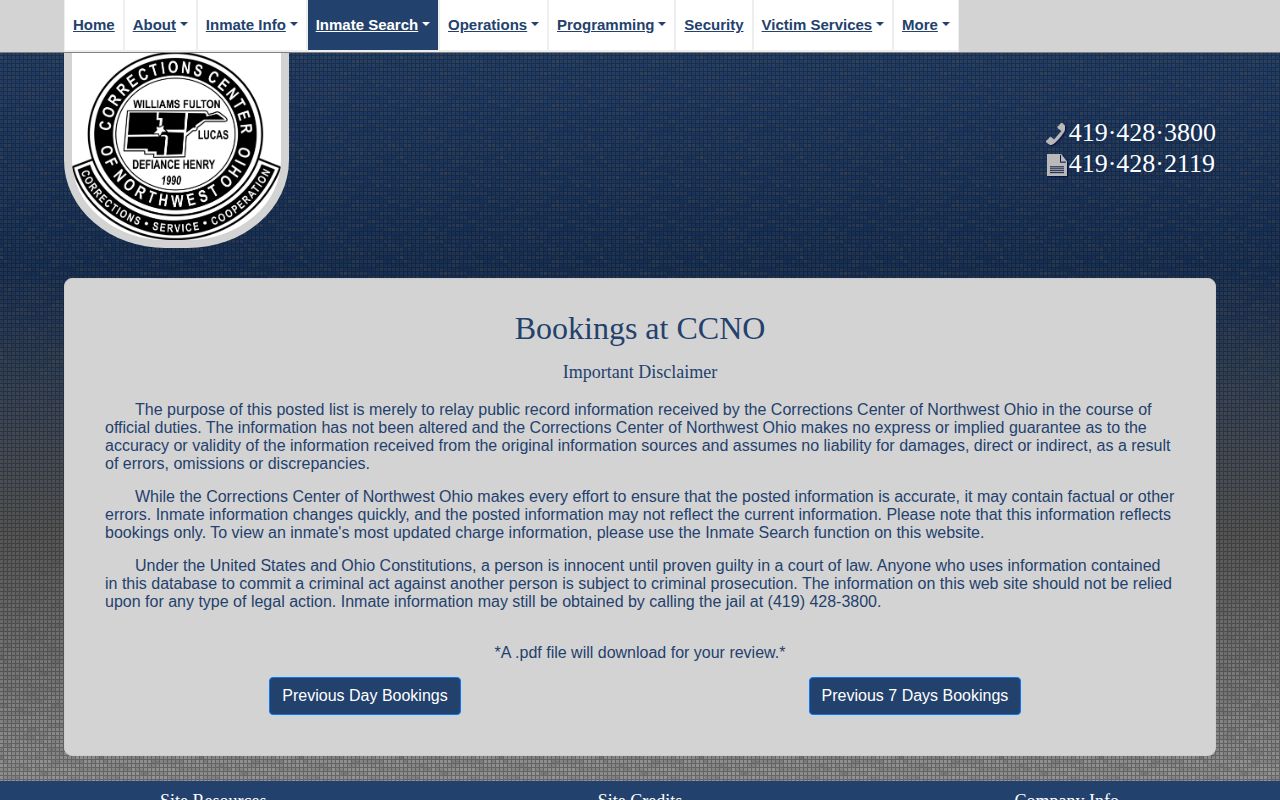
This official page separates the previous-day and previous-seven-day report choices.
Weekend Timing in the Williams County Log
The multi-day format earns its keep on weekends and holidays, when several booking dates sit in one file. Nothing in the log proves a predictable weekend surge, a holiday backlog, or a catch-up schedule. Anyone promising those patterns is guessing. Trust the report footer and the booking dates instead. The seven-day label leaves calendar boundaries unclear, and an early-morning footer time is not a fixed release schedule. Missing someone? Look again later and compare the active population. Gaps can stem from timing, spelling, another facility, or simply no CCNO booking at all.
Dispatch records are no stand-in for an arrest log. Williams County Communications Agency logs calls and responses for the sheriff and village departments, but a dispatched call never proves an arrest or a jail admission. Bryan police social media and Montpelier emergency alerts are not official booking records either.
Note: Describe the report as generated at the footer time, not as continuously live or guaranteed to refresh on a fixed schedule.
Current Custody Versus the Multi-Day Arrest Record
The CCNO Active Offender Population is a separate file for current custody. It lists booking number, case, charge, court, status, in date, and an estimated out date. Matching a booking number across the log and the active report can help. Still, an estimate remains an estimate. Absence from the active file can mean release, transfer, a spelling difference, an update delay, or custody elsewhere. It never erases the earlier booking. Presence there does not mean the person was booked in the past seven days. The two files answer different questions. Keep their dates straight. CCNO's official inmate search page, shown below, offers another way to check current custody.
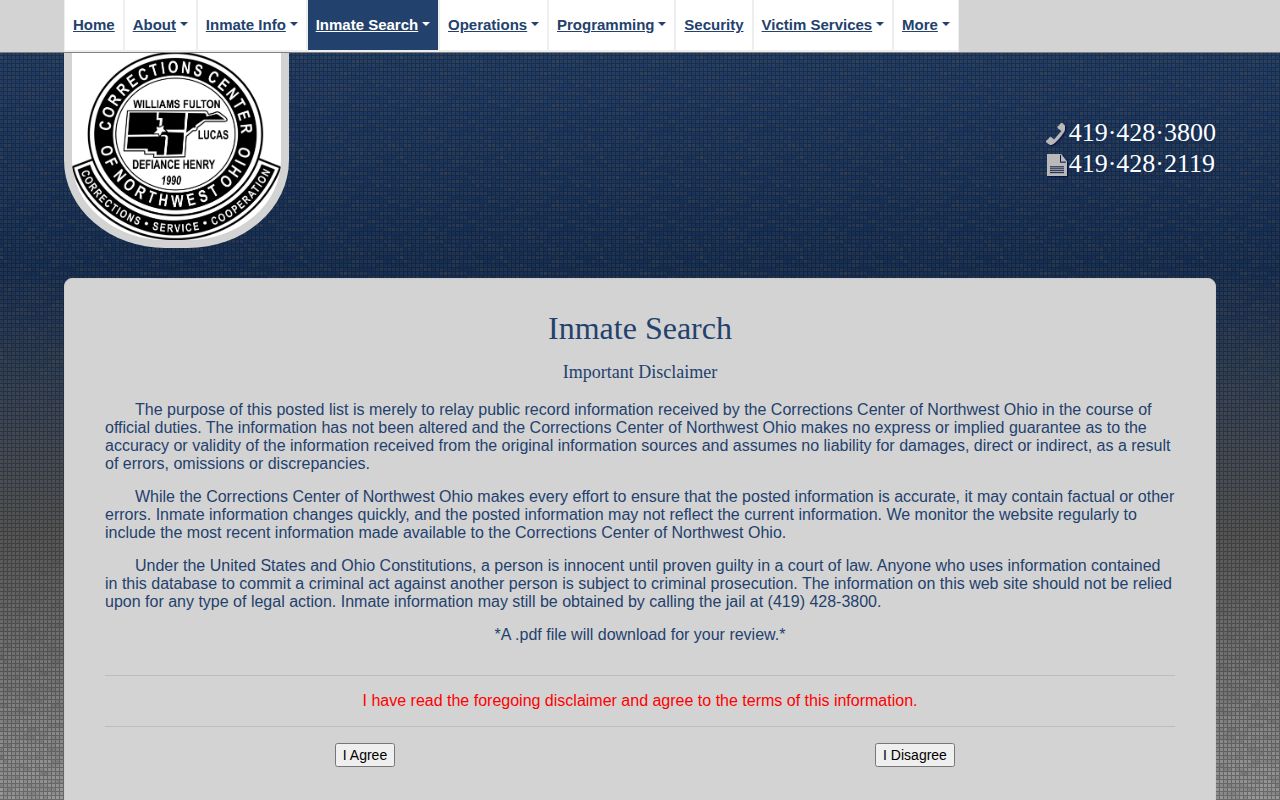
These two tools answer different questions. The search view tells you who is in custody right now. The arrest log shows the fuller picture, tracking bookings across several days in Williams County. Someone arrested on Monday may post bond by Wednesday. That person can vanish from a current custody check. That is why the log matters for anyone piecing together recent arrests. The Williams County recent arrests home page lays it all out. It shows how these official sources connect.
Williams County Arrest Log Archives
Williams County offers no permanent online archive of arrest log pages. What the public gets is a rolling seven-day report. It is generated fresh each time. Old versions do not sit at stable URLs waiting to be pulled up. A saved PDF is just a copy from one moment, and details in it can shift after the file was made.
Need a record older than the seven-day window? Ask the agency that actually holds it. CCNO's Public Records Request policy spells out three ways to ask. Mail a request to Public Records Request, CCNO, 03151 County Road 2425, Stryker, OH 43557. Walk in on a weekday between 8 a.m. and 4 p.m. Or call 419-428-3800 extension 201. Copies printed single-sided on letter paper run 25 cents a page, and the office answers within a reasonable period.
A tight request works best. Name the item you want, whether that is a booking report entry, a booking sheet, a release or transfer record, or a booking photograph. Add the person's name, the approximate date, the booking number if you have it, and the arresting agency. Expect some redaction. Medical details, confidential investigatory material, witness information, safety concerns, work-product, and protected identifiers can all be withheld by law. The policy sets no photo-specific fee and no fixed response clock.
Where the record lives depends on who made the arrest. CCNO keeps the booking record. The arresting police department keeps its own incident report. For county-held material, no special wording is needed as long as the request clearly identifies the record. The Records Center can help you locate a schedule for older items. Reach it at 419-636-8253 or wcrc@wmsco.org.
The CCNO public-records policy shown here is the official fallback when the rolling arrest log no longer covers what you need.
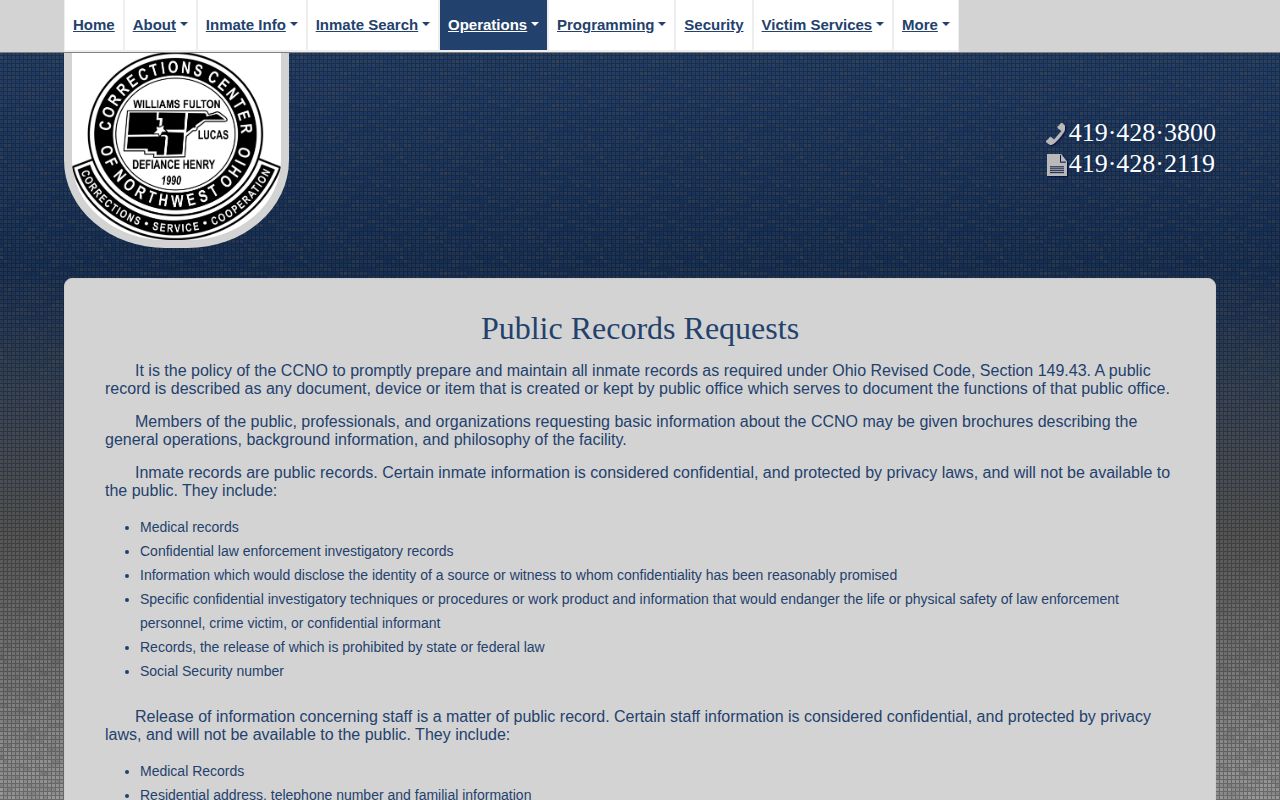
This channel is the right process for a specific arrest record. It names the office to ask, though release of every item is never guaranteed.
Presumption of Innocence in the Williams County Blotter
Every blotter entry is a booking record generated at one moment. Charges change, cases move between courts, and custody can end long before a case does.
Cite the report date and generation time whenever you describe an entry. Then cite the court separately for anything that came later. That keeps police action, jail intake, custody status, and judicial outcome in their own lanes.